If you own a workspace, you can transfer ownership to another member.
| ⚠️ This action is not recommended if you are involved with a Company Account ⚠️ |
Access the workspace settings
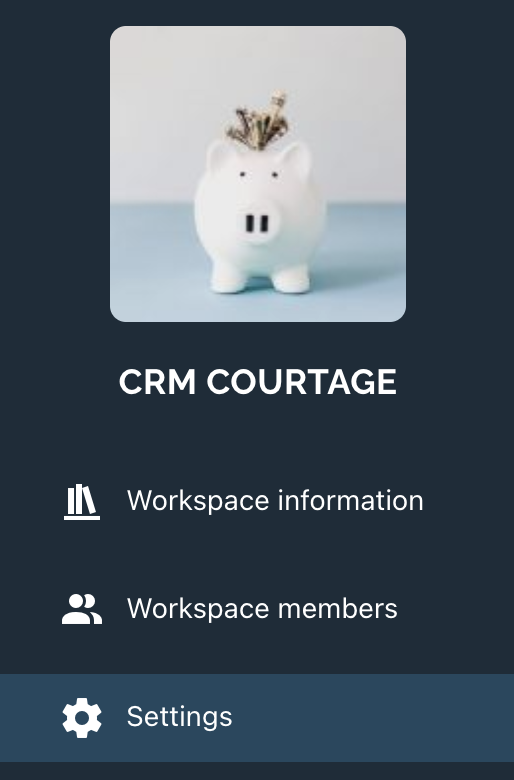
From your workspace, access the workspace settings.
In the settings, go to the Settings section :
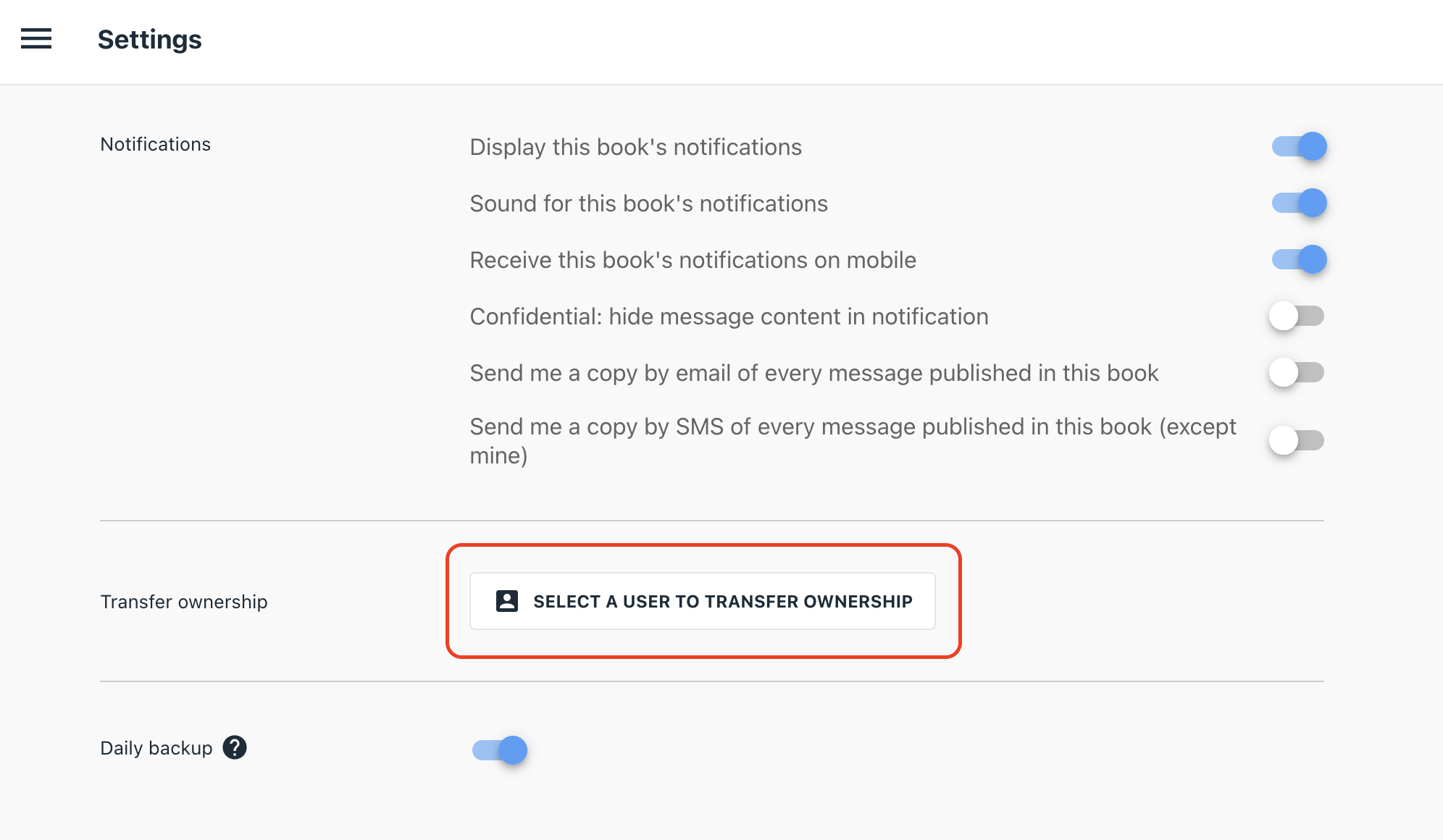
Click on the Transfer ownership button:
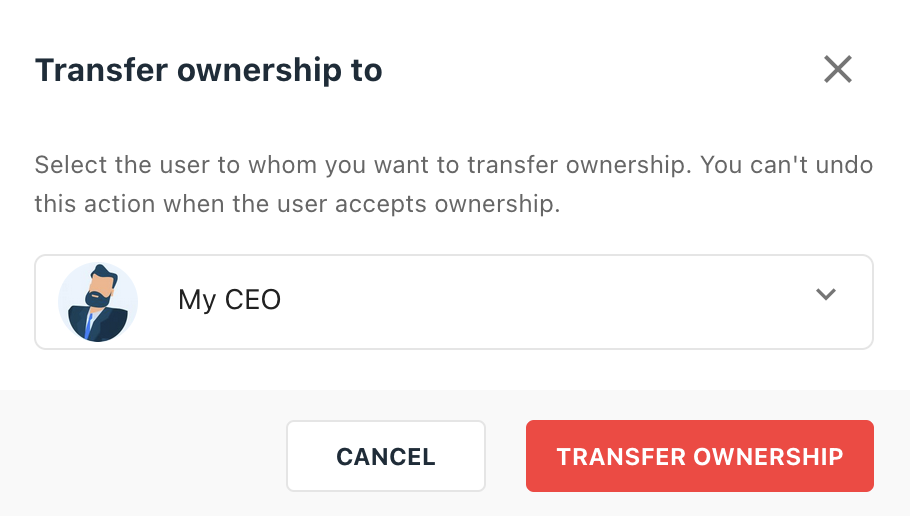
Choose the member to transfer the property to using their UserID or name:
| ⚠️ We can only transfer the workspace property to a member of the workspace. If the user is not a member of the workspace, he/she must be invited to the workspace first ⚠️ |
The user will receive a notification to accept the transfer via an email, from his TimeTonic Notifications & Inbox space and in his Received Invitations.